mirror of
https://github.com/Lolabird/stellar-dark-theme-trilium.git
synced 2026-10-19 19:36:59 -06:00

1.6 KiB
1.6 KiB
Stellar Dark Theme
Dark theme for Trilium Notes (https://github.com/zadam/trilium)
Usage Instructions
- Download the latest version of Trilium
- Download the latest release of Stellar Dark
- In your trilium instance right click a note you want to import the theme into
- Select "Import into note" in the context menu
- Uncheck "Safe import" and upload the zip file you just downloaded
- Click on the Trilium logo in the upper left corner and select Options -> Appearance
- Under "Theme", choose Stellar Dark
- Enjoy!
Screenshots and Videos
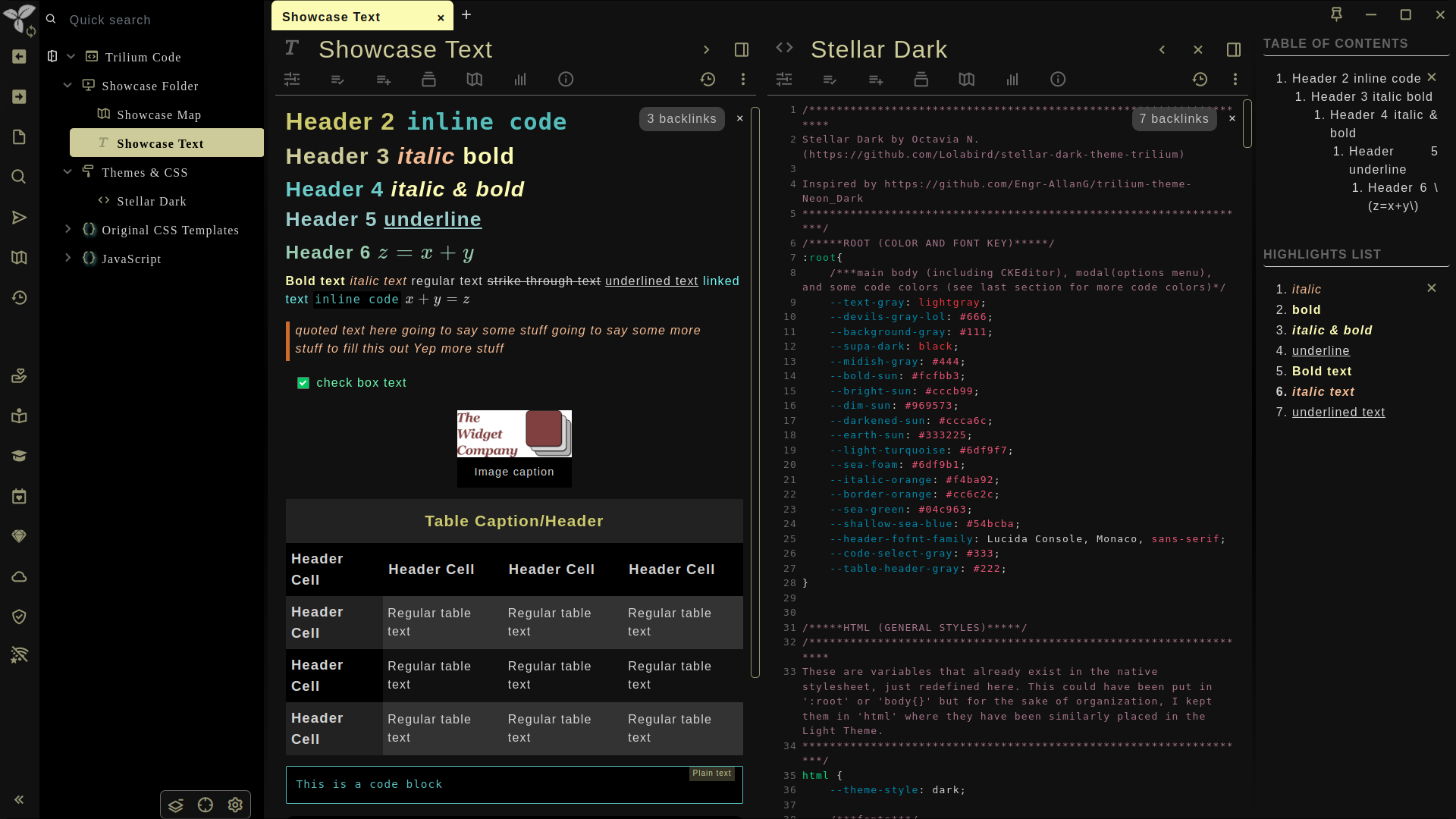
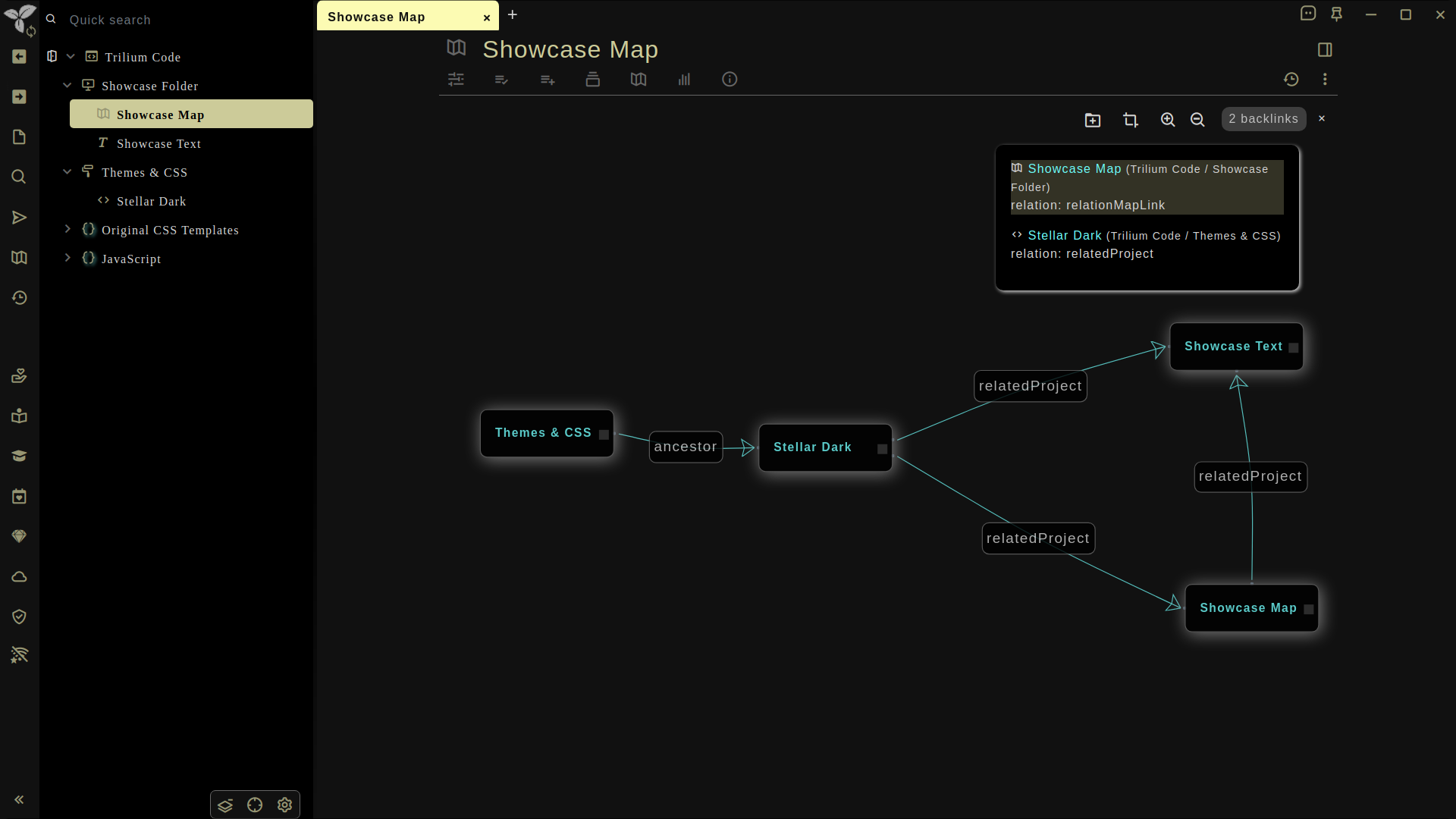
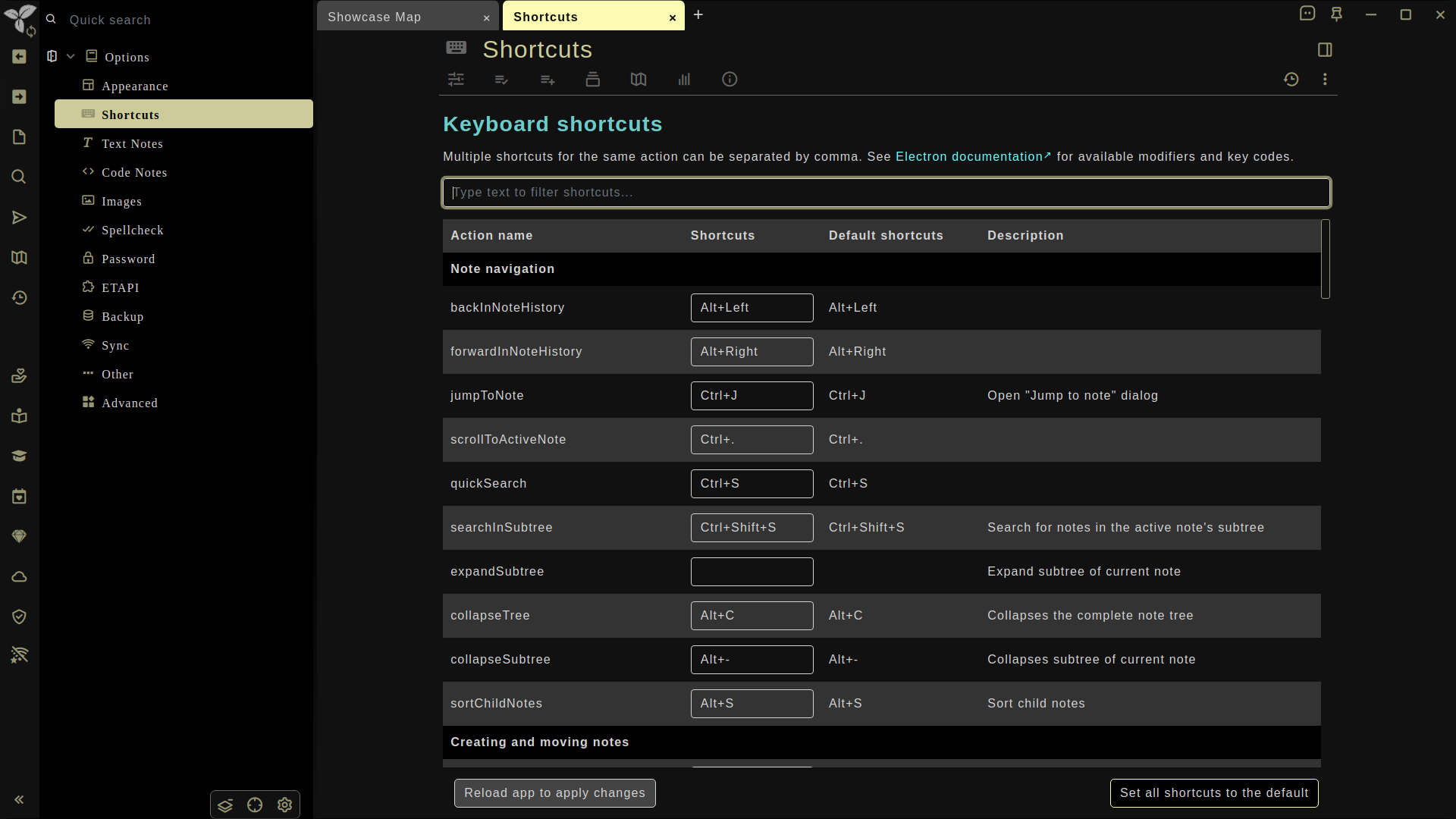
Credits and Resources
Fonts
Addons Featured in the Screenshots and Videos
- Breadcrumbs
- Scratchpad
- Show Position in TOC
- Syntax Highlight
- Theme Switch
- Trilium Chat
- WordCount (Featured in the Demo Document)
- Zen Mode
Find more addons made by the Trilium community at Nriver's Awesome Trilium!