mirror of
https://github.com/Lolabird/stellar-dark-theme-trilium.git
synced 2026-10-18 03:07:00 -06:00
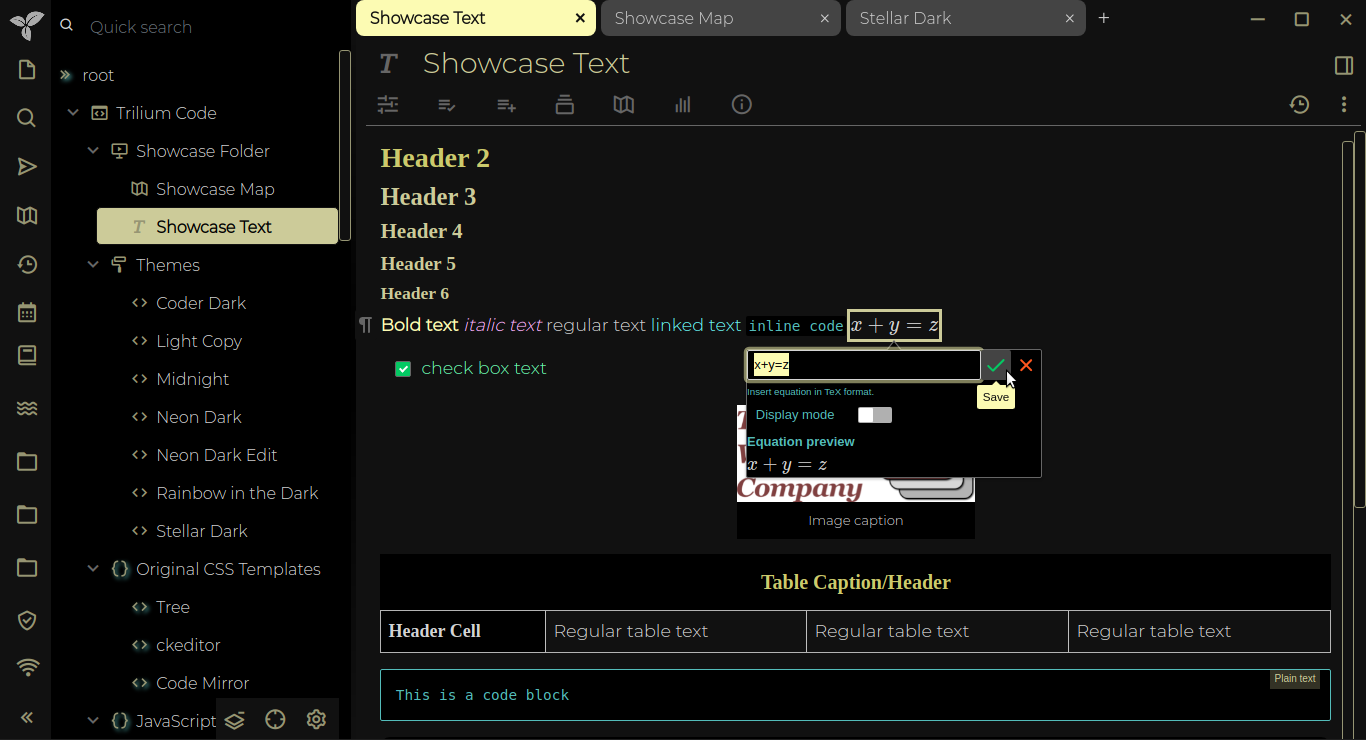
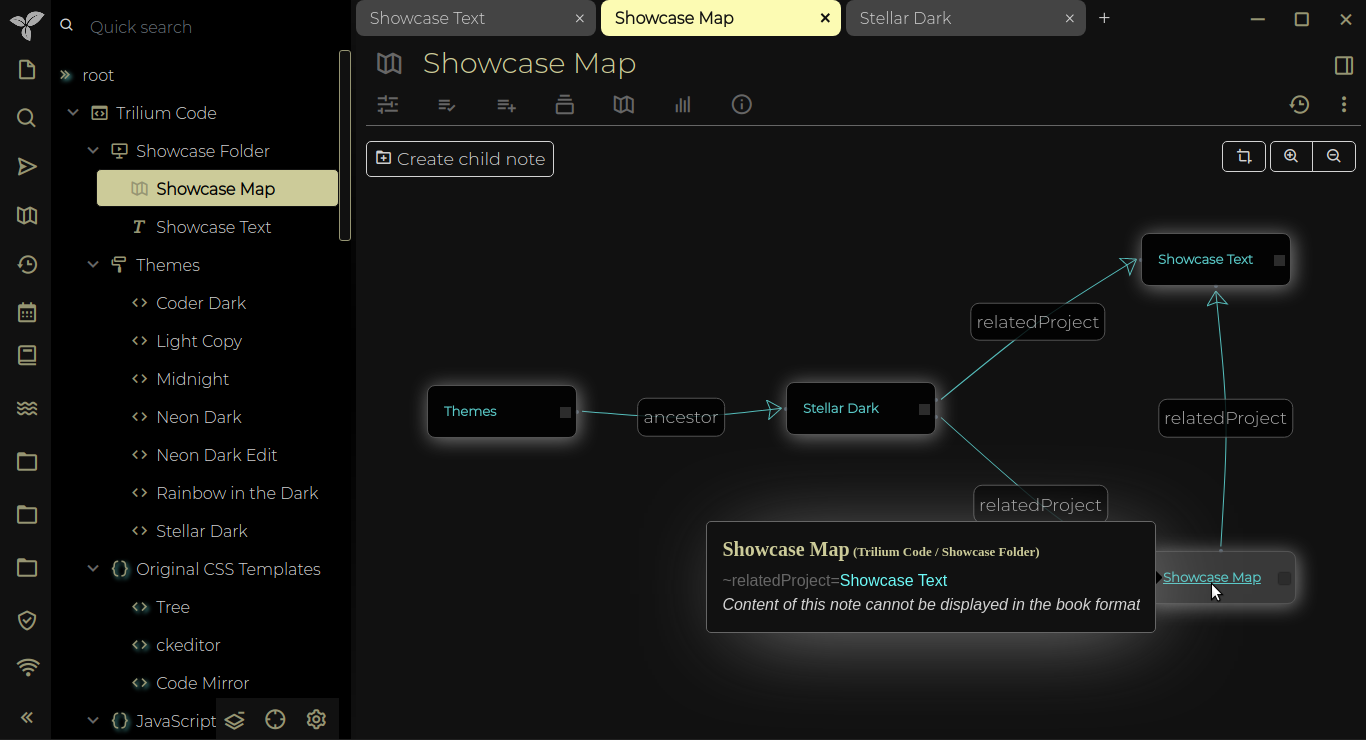
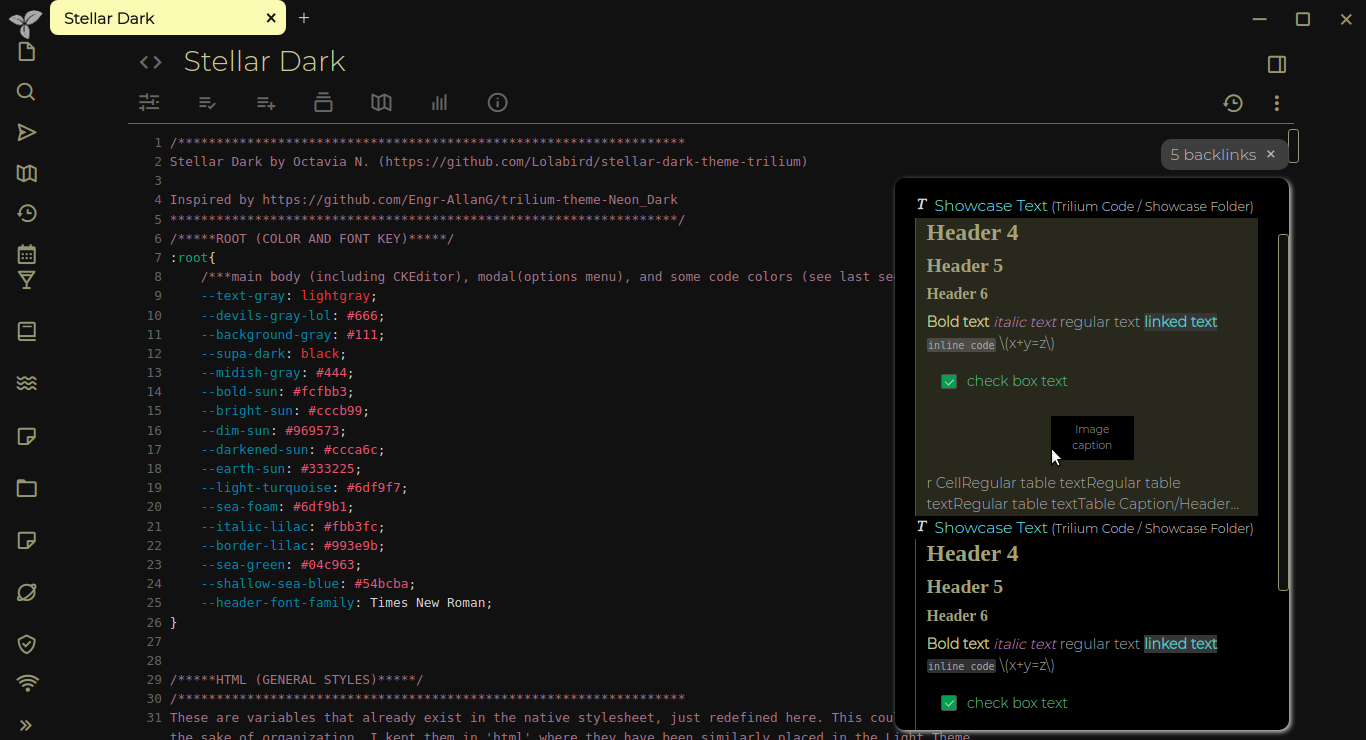
Dark theme for Trilium Notes and TriliumNext
css
dark
dark-mode
dark-theme
high-contrast
stellar
stellar-dark
trilium
trilium-next
trilium-notebook
trilium-notes
trilium-plugin
trilium-theme
trilium-widget
triliumnext
- CSS 100%
| Filename | Latest commit message | Latest commit date |
|---|---|---|
| README.md | ||
| stellar-dark.css | ||

Stellar Dark Theme
Dark theme for Trilium Notes (https://github.com/zadam/trilium)
Usage Instructions
- Download the latest version of Trilium
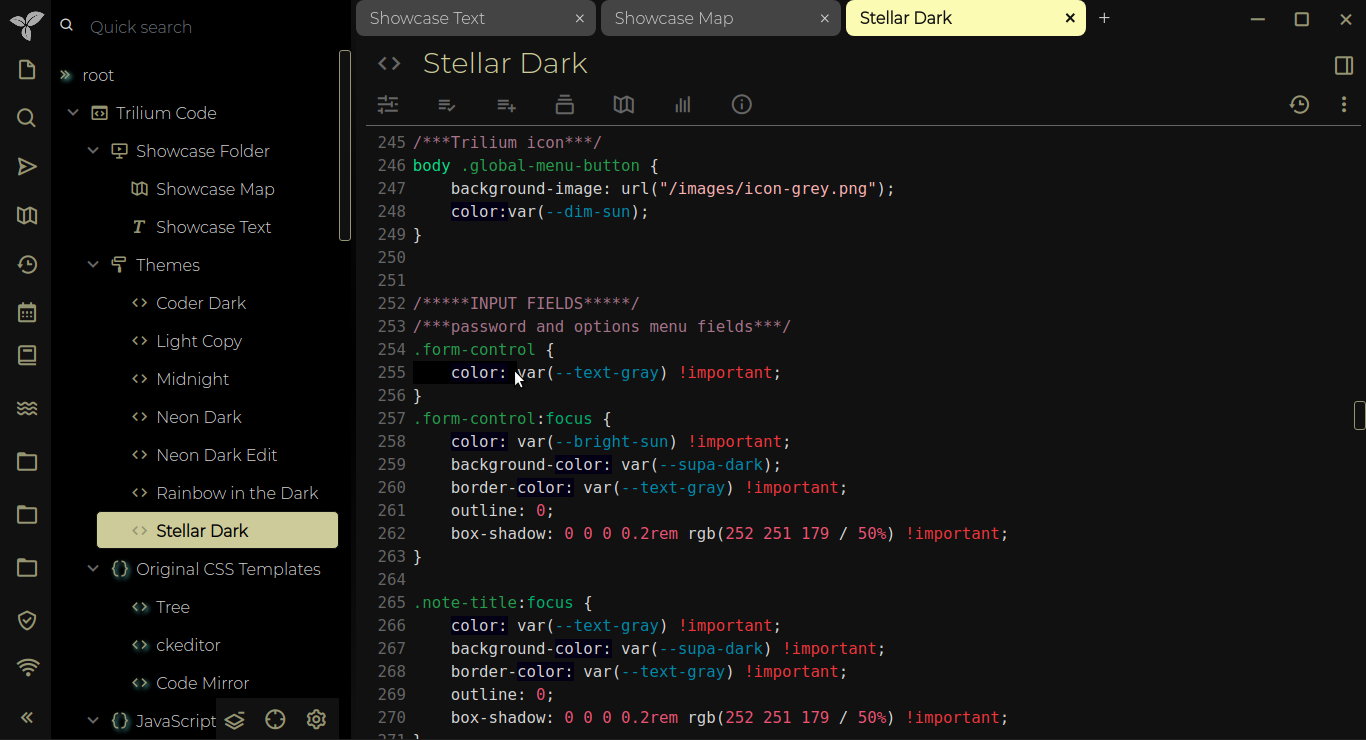
- Create a new CSS code note
- Title the note 'Stellar Dark'
- Copy the CSS code from this respository and paste it into the CSS code note in Trilium
- Add the attribute "#appTheme=stellar-dark"
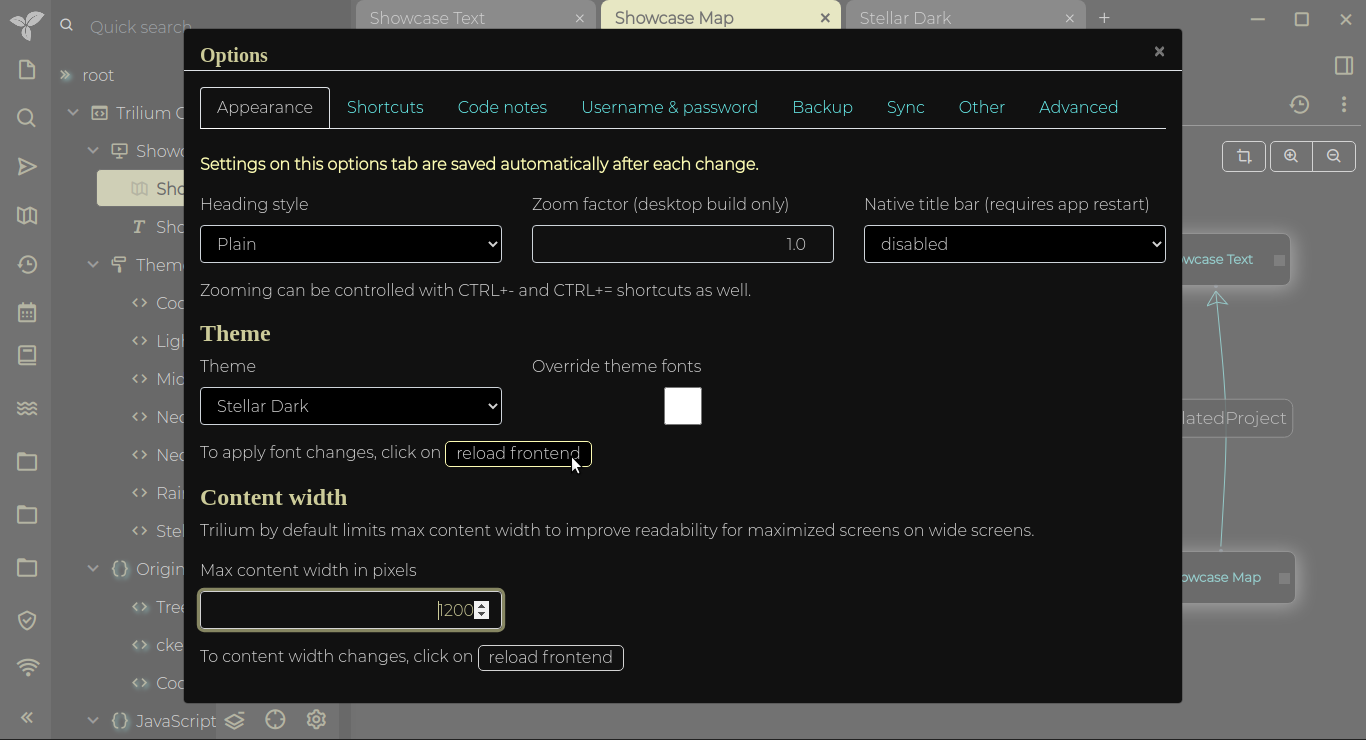
- Go into options settings and change the theme to "Stellar Dark"
- Enjoy!